
One click away
Pin it to your taskbar and jump straight into jobs, applicants and shortlists.
Desktop app
Your recruitment workspace in its own window. Post jobs, review AI-scored applicants and run interviews without hunting for a browser tab.
Requires Windows 10 or 11, 64-bit and an internet connection.
 HR Paddy
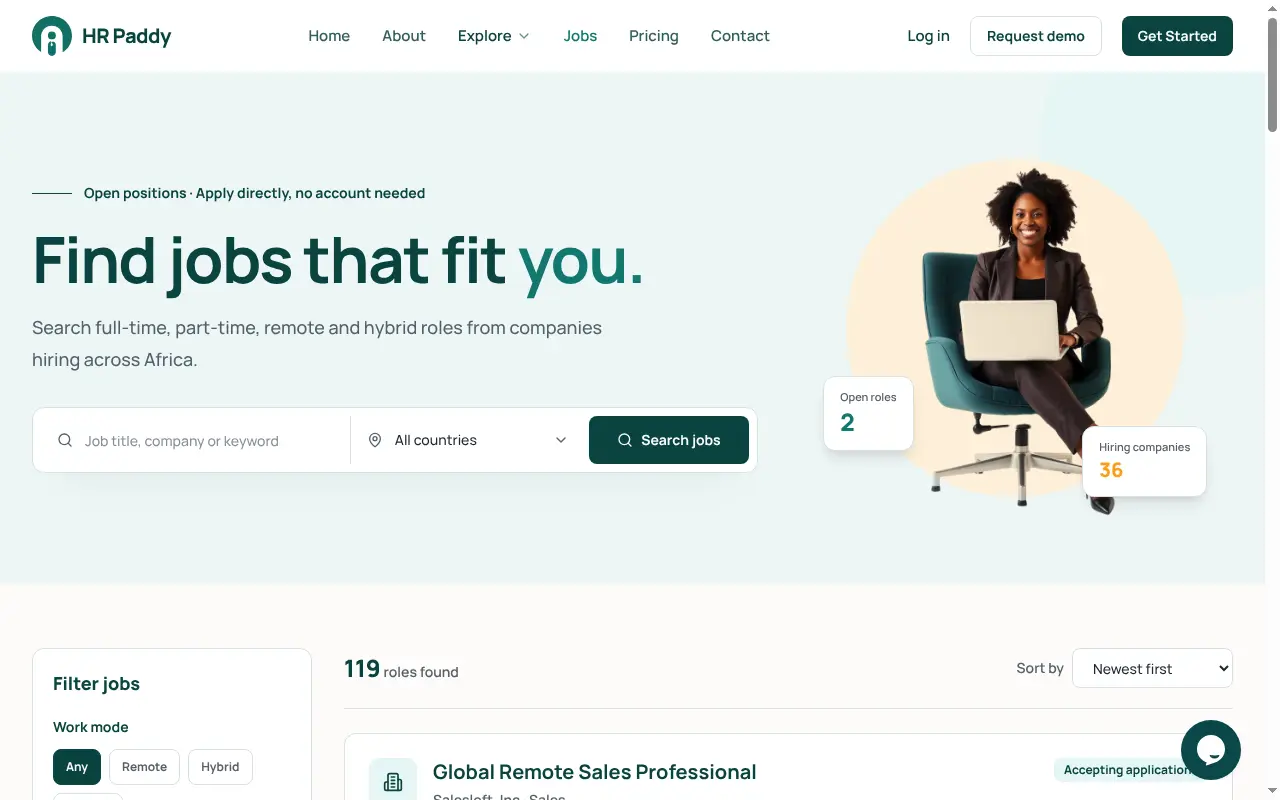
Pin it to your taskbar and jump straight into jobs, applicants and shortlists.
The app loads the latest HR Paddy every time, so there is nothing to update by hand.
Camera and microphone work for AI and video interviews, and only for HR Paddy.
Links to other websites open in your normal browser. Payments stay on Paystack.
Installation guide
It takes about two minutes. No admin rights needed when you install it just for yourself.
Click Download for Windows above. Your browser saves HR-Paddy-Setup-1.0.0.exe (115 MB) to your Downloads folder.
HR-Paddy-Setup-1.0.0.exe
115 MB · Downloads folder
Double-click the file. Because the app is new, Windows may show a blue “Windows protected your PC” message. Click More info, then Run anyway. Your browser may also ask you to Keep the download first.
If you see “Windows protected your PC”
Only do this for files downloaded from hrpaddy.com.
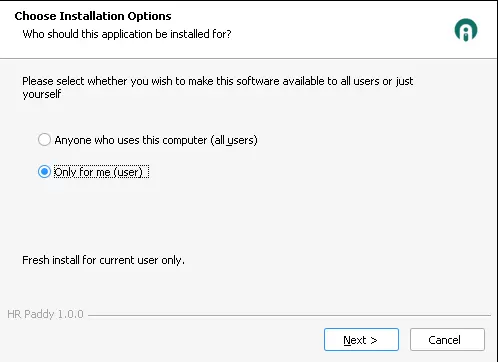
Pick Only for me (no admin rights needed) or Anyone who uses this computer, then click Next.
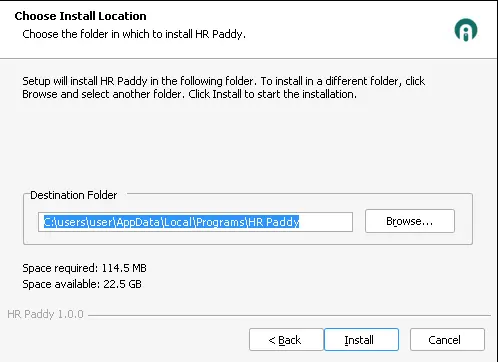
Keep the suggested folder or click Browse, then click Install. It takes under a minute and adds HR Paddy to your desktop and Start menu.
HR Paddy opens automatically. Sign in with your usual email and password; everything from the website is already there.
HR Paddy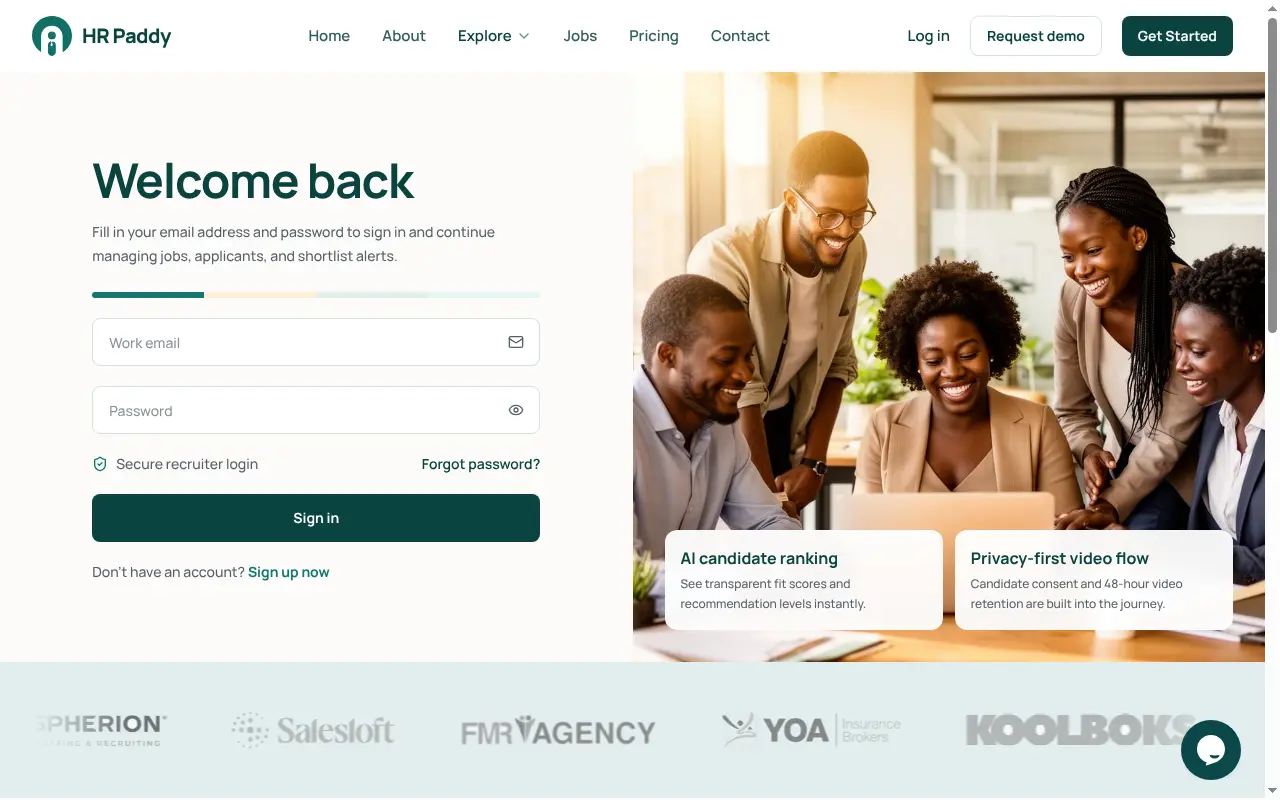
On a Mac, phone or tablet? Use hrpaddy.com in your browser.
Version 1.0.0, released 31 October 2026. To check a file has not been altered, compare its SHA-256 fingerprint (PowerShell: Get-FileHash .\HR-Paddy-Setup-1.0.0.exe).
Newsletter
Hiring insights, HR tech trends, events and product updates from HR Paddy. No spam — unsubscribe anytime.